How your games feed spaced repetition
Connect a Lichess or Chess.com account and OnlyMove checks every game it syncs against your repertoire, then feeds the result into spaced repetition automatically – no manual grading. Correct moves reinforce what you know; a repertoire mistake sends that position back to Learning.
Tip
Every image in this guide is a real product screenshot – only the data shown is mocked. Click any image to enlarge.
1 · Connect a Lichess or Chess.com account
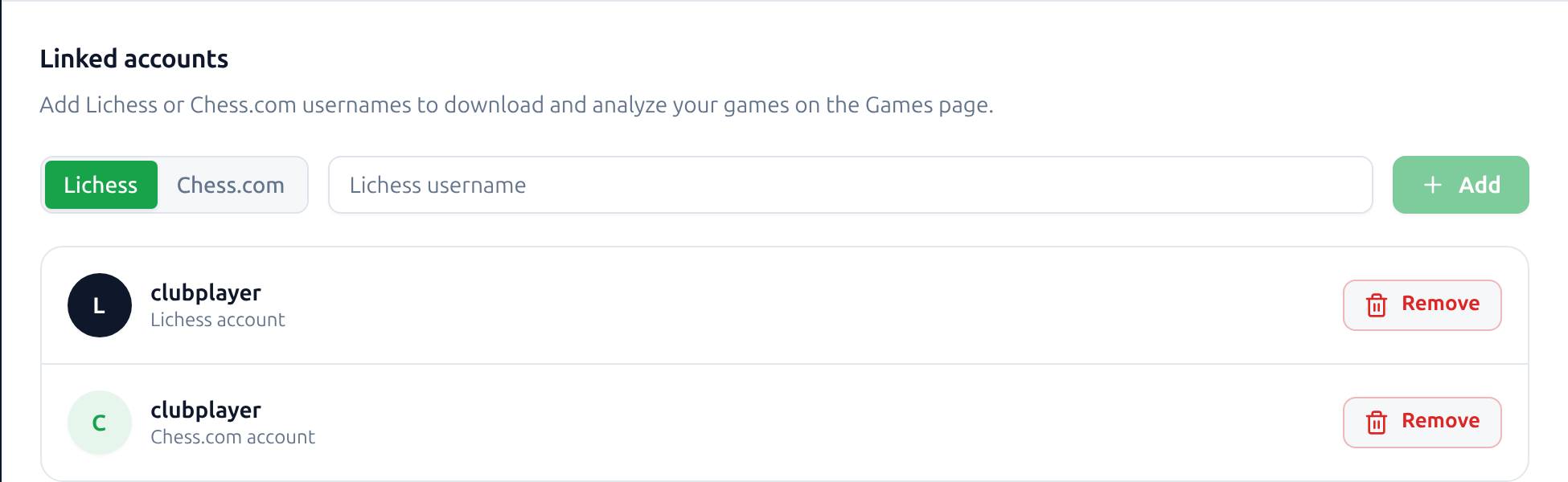
Open Settings and find the Linked accounts section. Choose Lichess or Chess.com, enter your username, and press Add. OnlyMove then downloads that account’s games and checks each one against your repertoire – the signals in the rest of this guide all start here.
Link as many accounts as you play on; every handle feeds the same spaced-repetition queue.
Tip
Signed in with Lichess? That account is linked automatically – you do not need to add it here.
2 · Every game becomes a review signal
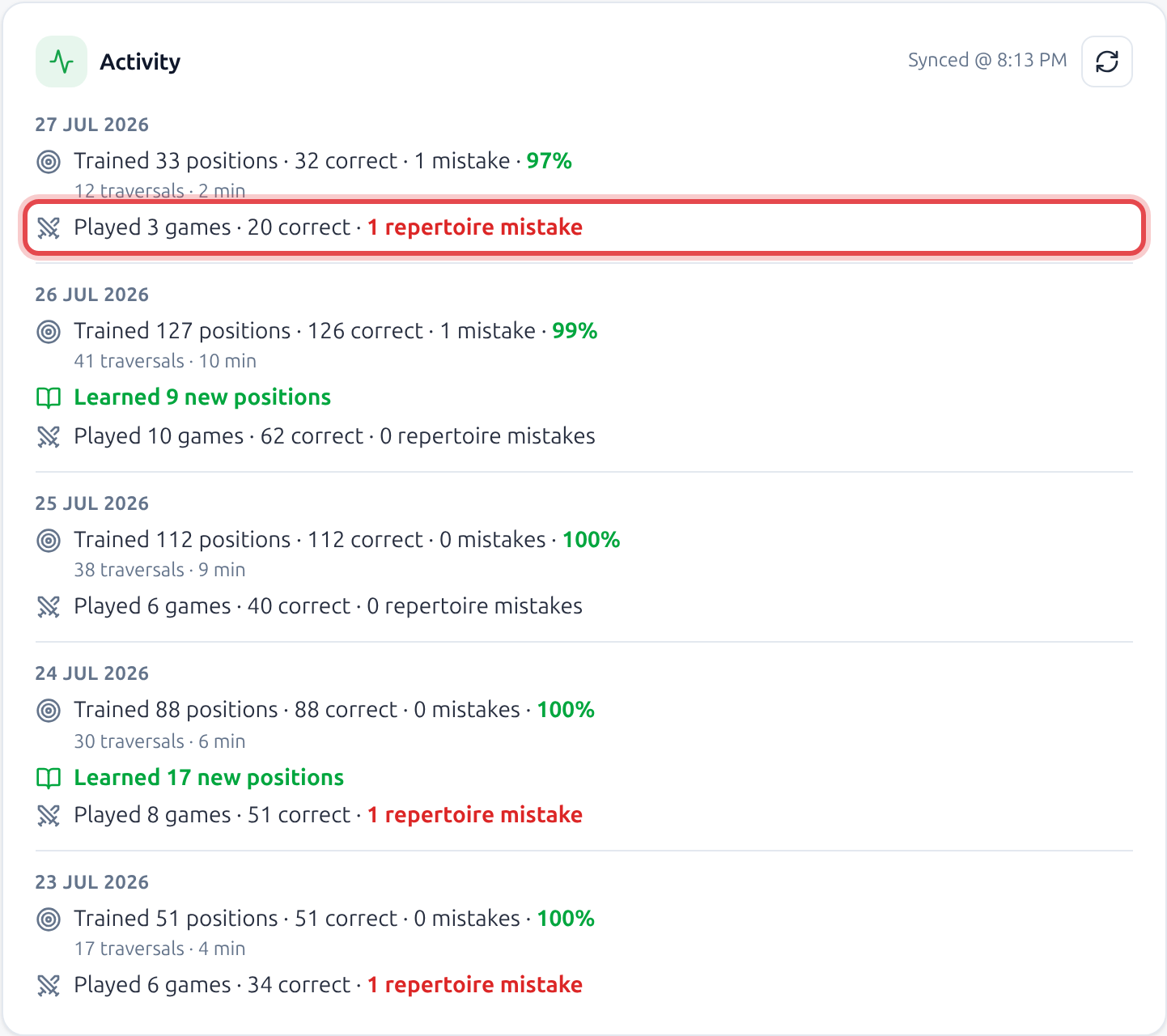
Once an account is linked, OnlyMove replays each synced game against your saved lines for you. The Activity feed on your dashboard adds a line for each day that tallies how many of your moves matched your prep and how many left it – for example Played 3 games · 20 correct · 1 repertoire mistake.
Every one of those correct moves quietly reinforces its card in spaced repetition, exactly as if you had played it in Training. The repertoire mistakes are counted too, and they do more than reinforce, which is the next step.
Tip
You get credit for the prep you executed over the board.
3 · A repertoire mistake sends the position back to Learning
A correct move reinforces its card; a repertoire mistake does the opposite. OnlyMove scores that position as a miss, which drops the card out of mastered and back into the learning queue.
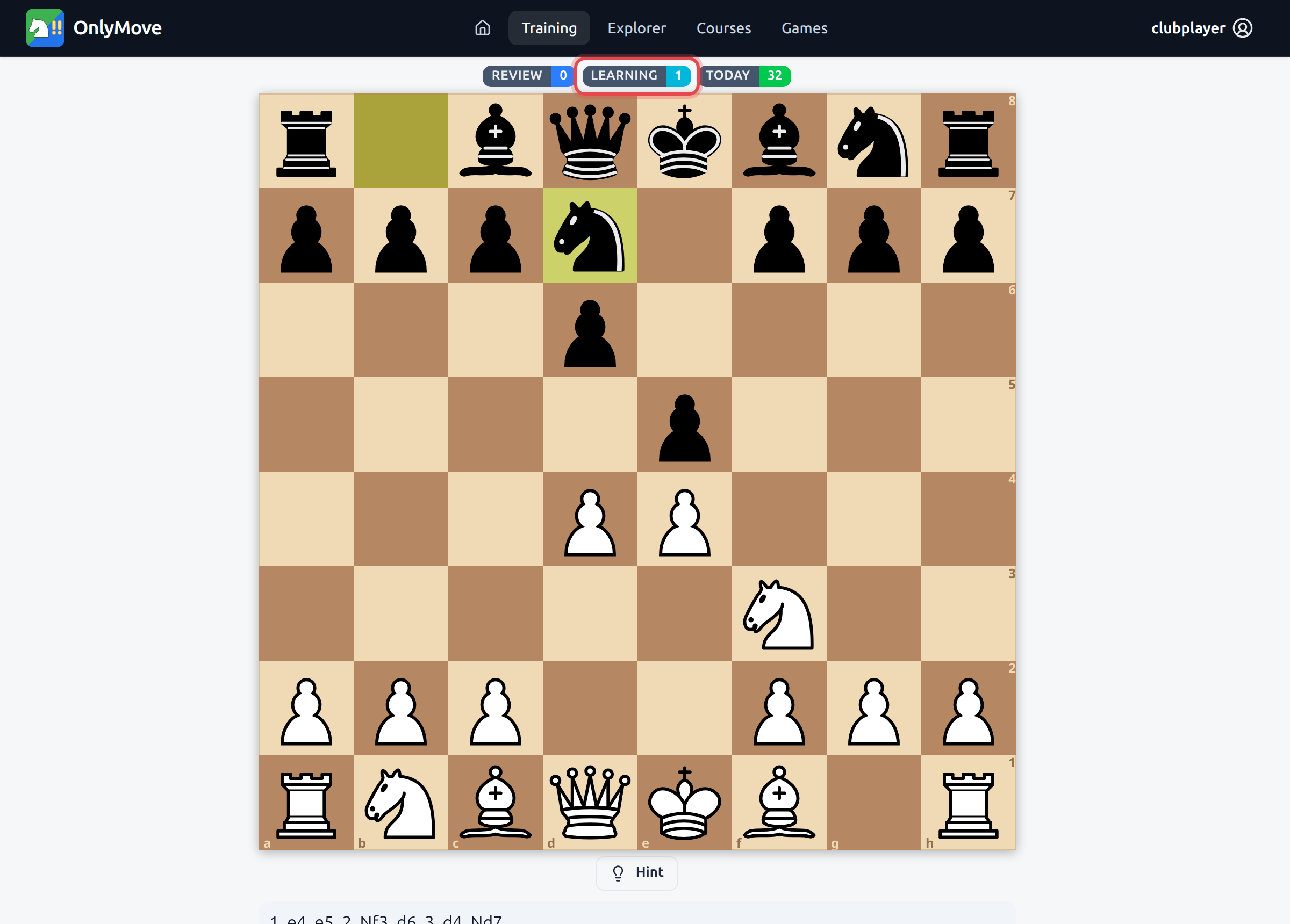
Open Training and the learning badge has ticked up to 1. The board is waiting on the exact position the game got wrong – here, after 3… Nd7, with Bc4 the move to recall. It will keep resurfacing on a tight schedule until you play it cleanly again, just like any move you are learning – see How Opening Training works.
4 · See exactly where you left your repertoire
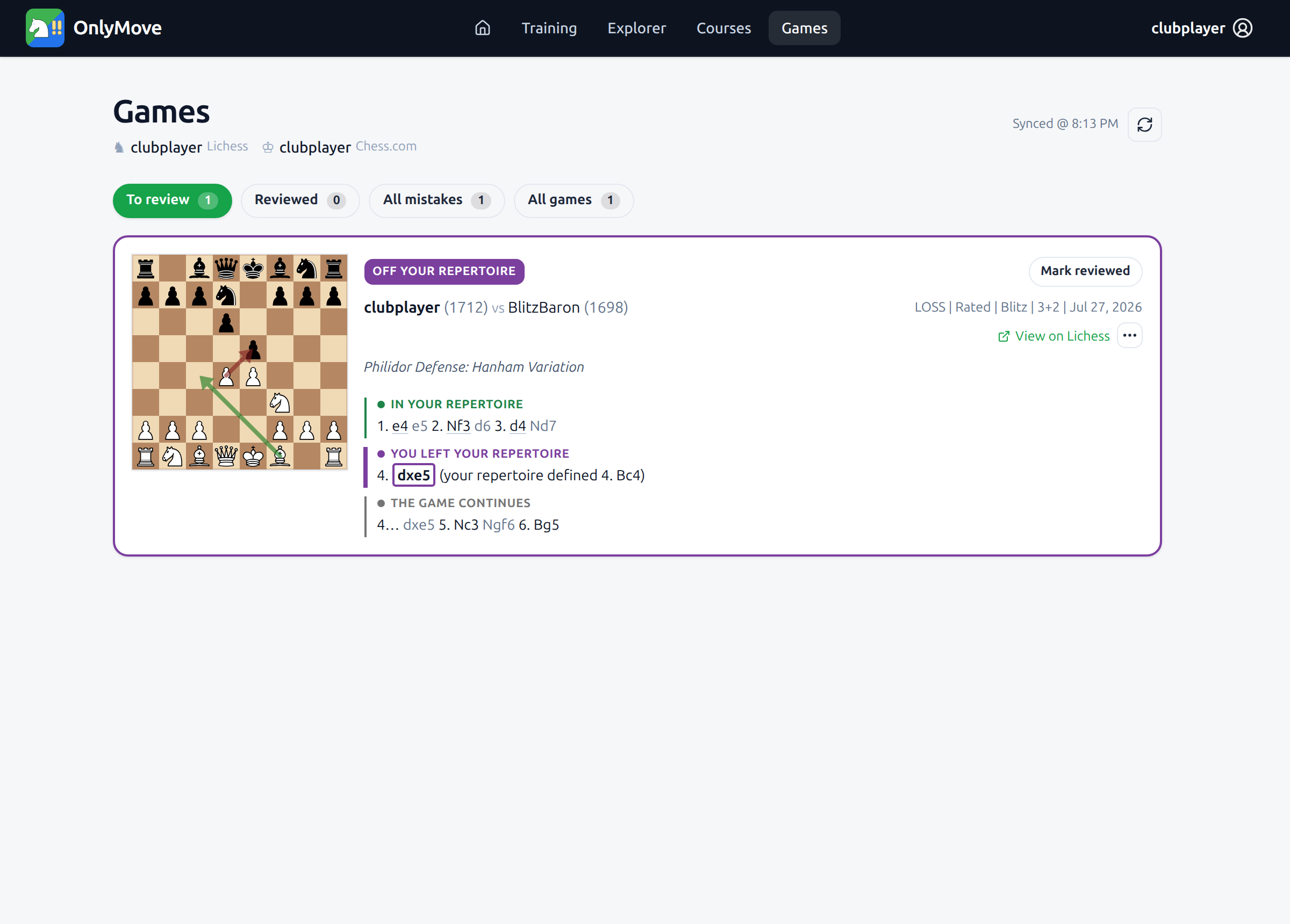
Want to see which move caused it? The Games page lists every synced game, and the ones that left your prep wait in To review with an Off your repertoire verdict. Each card breaks the opening into In your repertoire, You left your repertoire, and The game continues.
Here you followed prep to 1. e4 e5 2. Nf3 d6 3. d4 Nd7, then played 4. dxe5 where your repertoire defined 4. Bc4 – the deviation that sent Bc4 back to Learning. From here you can review the game or work the fix into your repertoire, exactly as the games walkthrough shows.